Building AI-native Apps, Platforms & Agentic Systems
From AI-powered apps to enterprise platforms, we help organizations operationalize AI at scale with security, governance, and measurable business impact.
In an agentic era where building is easier than ever, what separates systems that last is not just technical depth, but clarity, ownership, integration, and disciplined execution. At TechAhead, we're the engineering and product partner organizations bring in when the system actually has to perform ‑ at scale, under regulation, in production.
Systems Thinking, Not Feature Delivery
We approach every engagement with a systems mindset. Instead of optimizing for isolated features, we design platforms that align technology, workflows, and long-term scale. The result is durable operating capability, not short-term releases.
Production-Grade AI, Not Experiments
From enterprise AI to agentic systems, we embed intelligence into real operations‑supported by evaluation frameworks, observability, and governance guardrails for measurable, responsible performance. We operationalize, not prototype.
Integrated Platforms, Not Disconnected Tools
We help organizations move from fragmented systems to cohesive platforms. Through system integration and modernization, we align data, workflows, and infrastructure into unified environments designed for evolution and control.
Clarity Early, Not Rework Later
Complex initiatives often begin without clear answers. We bring structure to uncertainty, turning evolving requirements into defined decisions, tradeoffs, and execution plans. You gain alignment early, reducing rework and internal friction.
Accountable Partners, Not Outsourced Vendors
We align around outcomes, not just output. Our teams operate as accountable extensions of your organization, with defined ownership and shared success criteria. We stay engaged through scale, iteration, and evolution.
Predictable Delivery, Not Surprises
Speed matters, but stability matters more. We maintain a steady cadence of progress, transparent communication, and visible milestones so execution remains reliable even as priorities shift.
Proven Results. Delivered at Scale
0+
Platforms, Products, and Enterprise Systems Delivered
0+
Industry Recognitions and Technology Excellence Awards
0+
Enterprises and High-Growth Companies Served Globally
0+
Years Building Enterprise-Grade Systems
0+
Cross-Functional Experts in AI, Cloud & Platform Engineering
TRUSTED BY 1200+ GLOBAL BRANDS AND STARTUPS
Engagement Pathways
Whether launching AI initiatives, extending engineering capacity, or modernizing legacy systems, our engagement pathways adapt to your organization’s stage and complexity.
From development to continuous improvement, we bring structured execution and technical depth across every stage. Our partners share how this translates into measurable business results.
Andy Hobbs
international cricket council (icc)
It’s been an absolute pleasure to work with TechAhead team through this
project. I know you have all gone way over and above to deliver the app
to the right quality, and the team has collectively added value at each
stage.
TechAhead is a team that can scale fast. You can rely on them for their
technical skills. The management is willing to invest in the partnership
and meet the requirements. They work really hard and they will do what
they have to do to meet the deadlines.
TechAhead developed our cross-platform eCommerce app and integrated it
with our existing systems. Over time, communication, planning, and
accountability improved significantly. Their collaborative approach made
them feel like a true extension of our team.
Upasna Madan
GM Marketing, DLF Hospitality
They built a cloud-based CMS for our real estate business with 36
reusable components, enabling us to rebuild our website efficiently.
We’re impressed with their technical depth, responsiveness, and ability
to absorb feedback.
Philip Cody
Founder, Bundle
TechAhead delivered robust app functionality for our iOS and Android
firewood marketplace app. The team remained patient through multiple
iterations, while their proactive customer success manager anticipated
our needs, ensuring a smooth workflow throughout.
Dexter Williford
Owner, Smox Trimsetters llc
We’re truly impressed with TechAhead’s professionalism. They explain
exactly what’s going on‑there’s no runaround‑and every delivery amazes
us. Our application has received positive user feedback, and working
with their team has been a well-managed experience.
Nikolay Volper
CEO, HubQ.ai
We partnered with TechAhead to design and develop our iOS and Android
app using React Native, alongside web design and development support.
They delivered high-performance work, consistently impressing us with
their ability to explore and implement new technologies.
Jeffrey Hinz
CEO, Phthalo Inc.
I’m impressed with TechAhead’s professionalism ‑ clear explanations, no
runaround, and consistently amazing deliveries. My customers love the
app’s functionality, and working with the team has been smooth,
transparent, and truly top-tier.
Christen Medulla
This platform has been our dream. And watching your team turn it into
reality has been amazing.
We design and deploy production-grade Enterprise AI and Agentic AI systems, including enterprise copilots, autonomous agents, and multi-agent architectures. Our solutions embed AI into real workflows with built-in governance, observability, security, and continuous optimization.
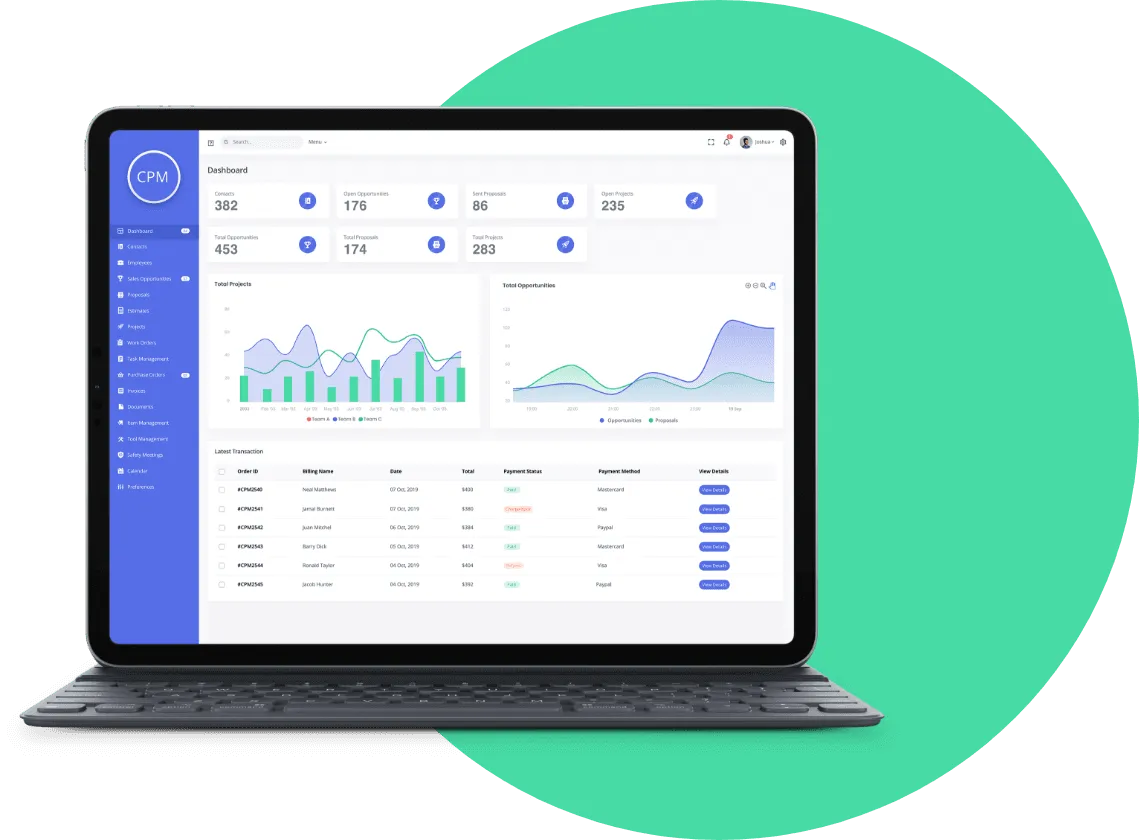
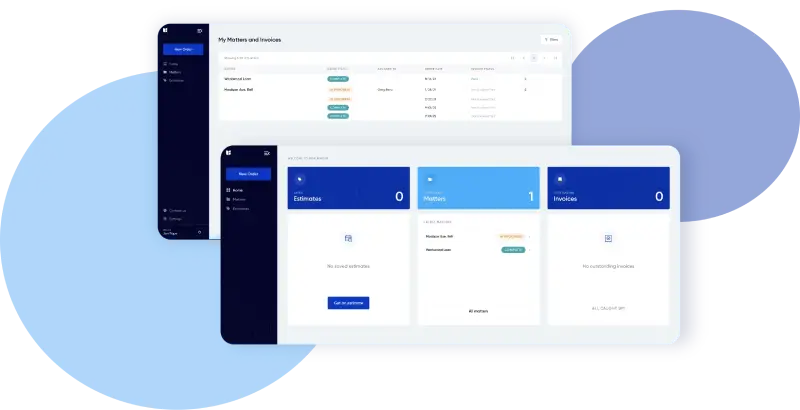
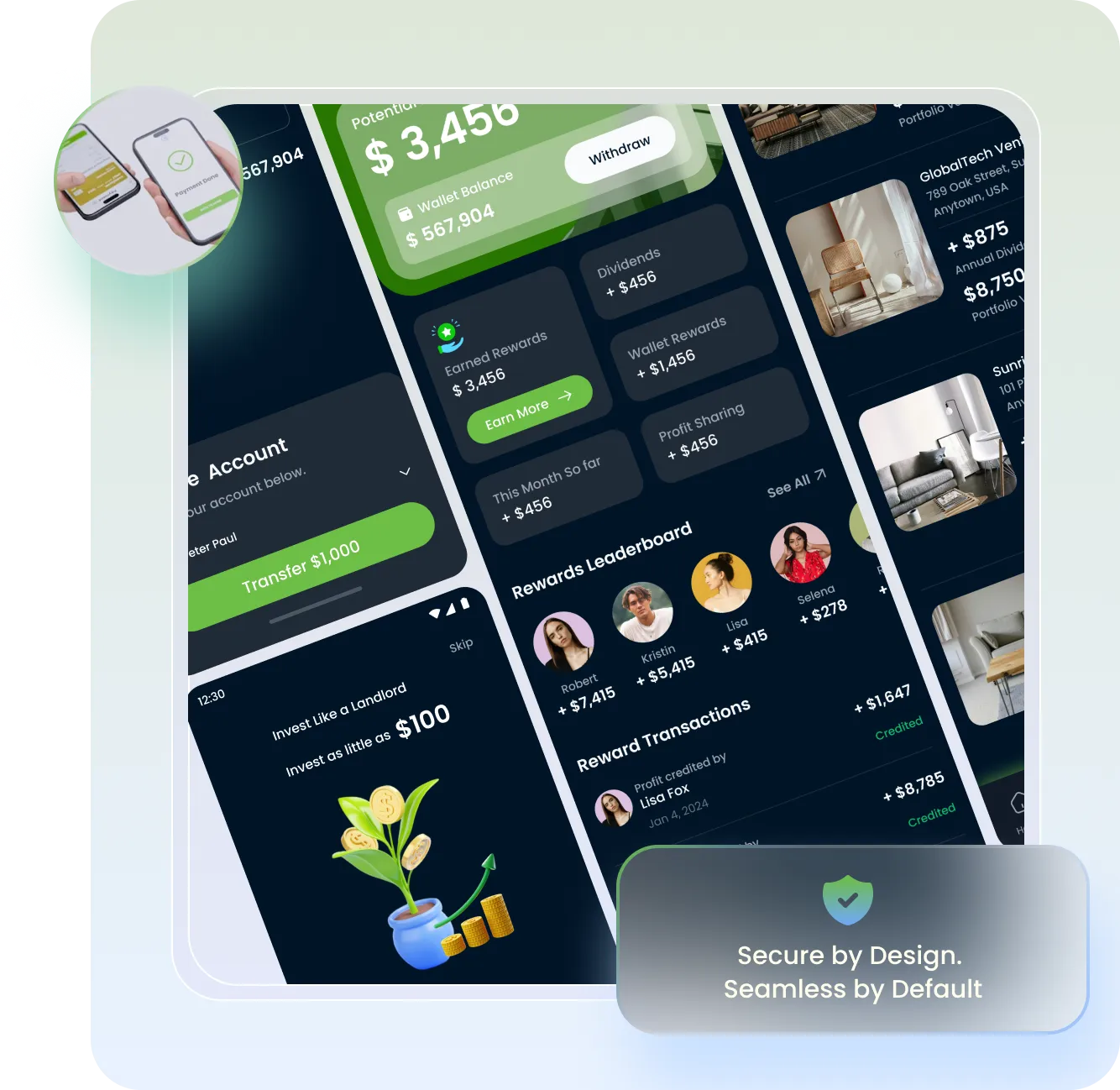
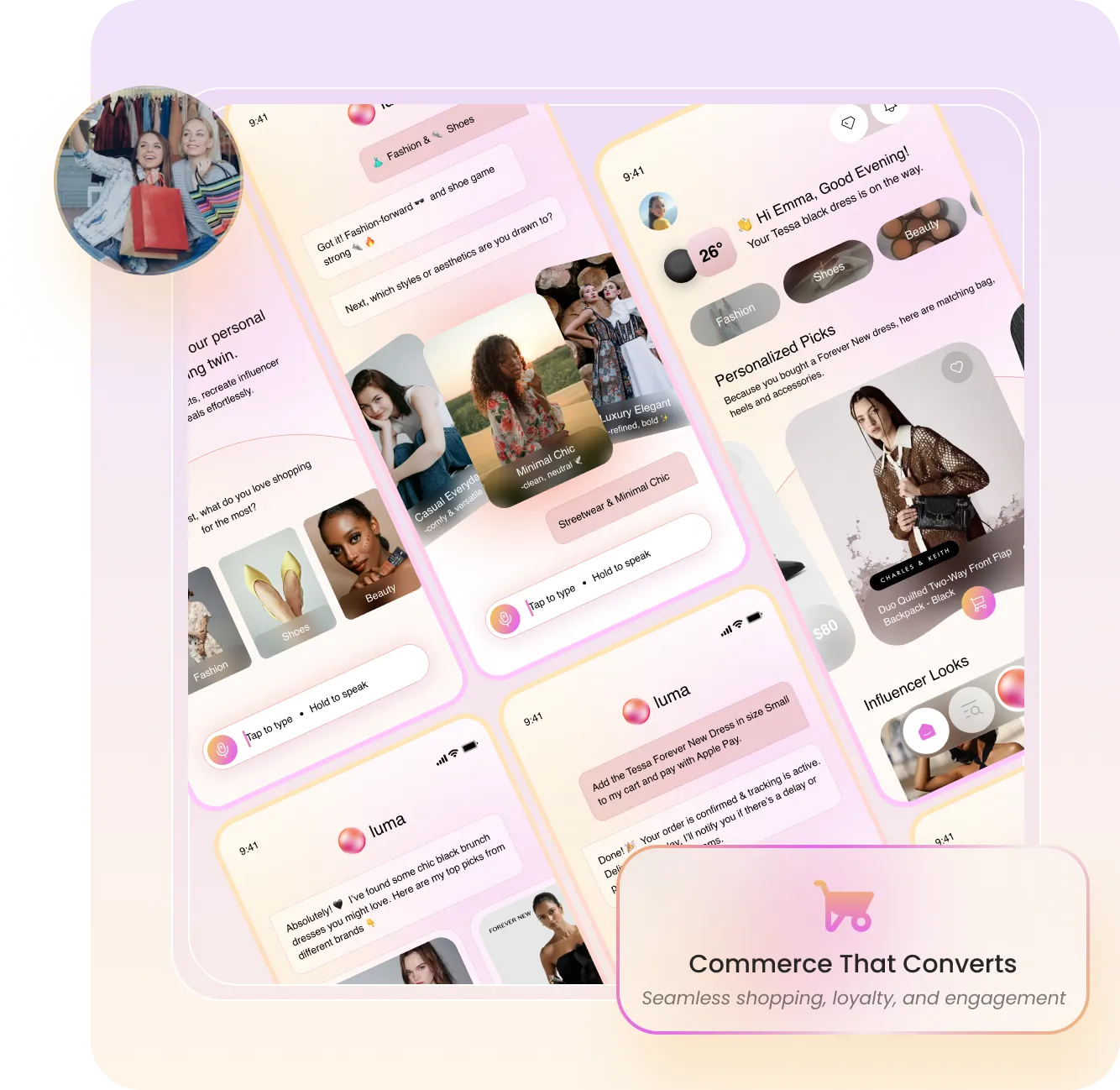
We design and build custom software platforms across web, iOS, and Android environments, engineered for scalability, performance, and long-term maintainability. From digital products to enterprise-grade systems, our solutions integrate seamlessly within broader operational and business ecosystems.
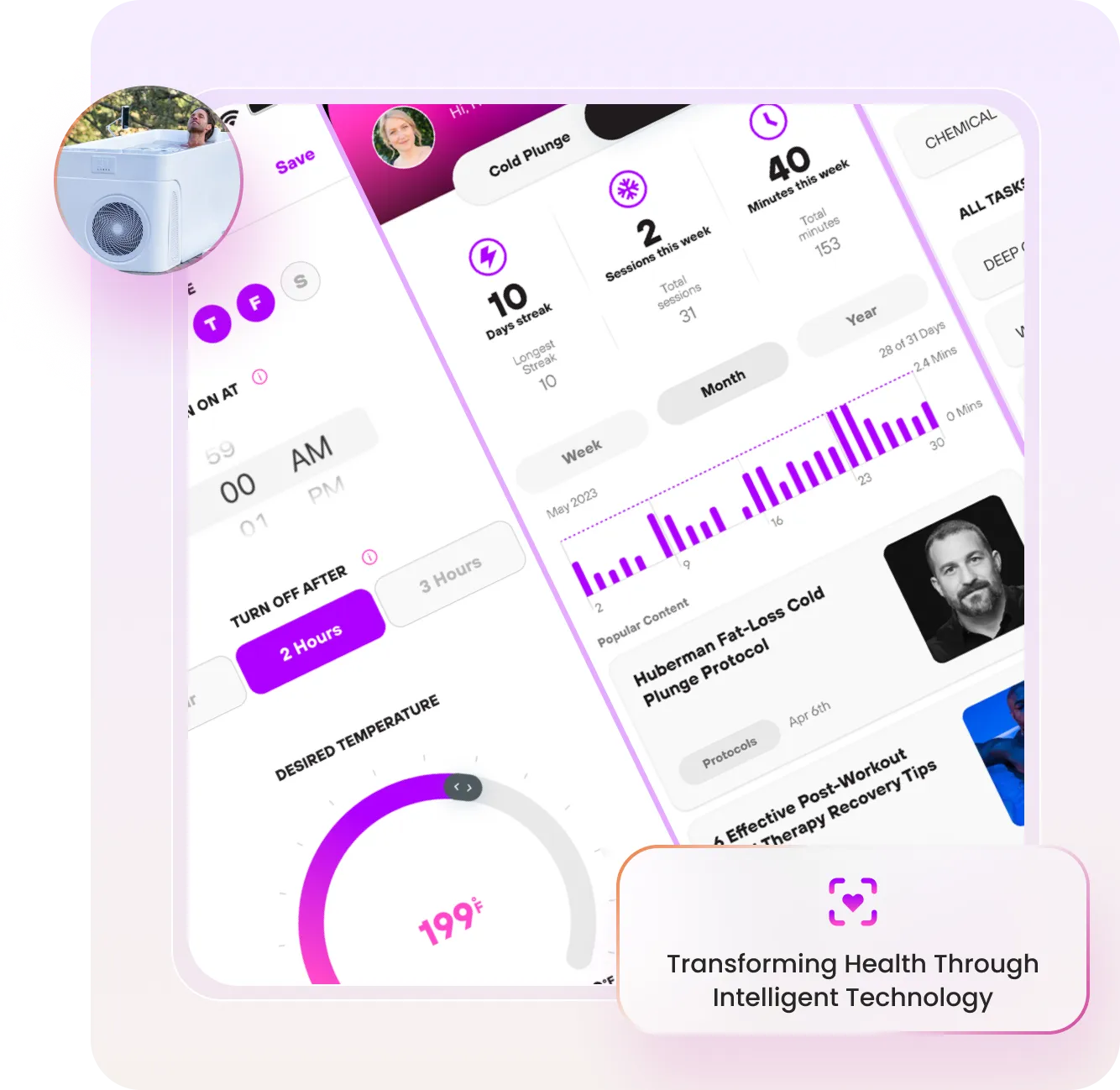
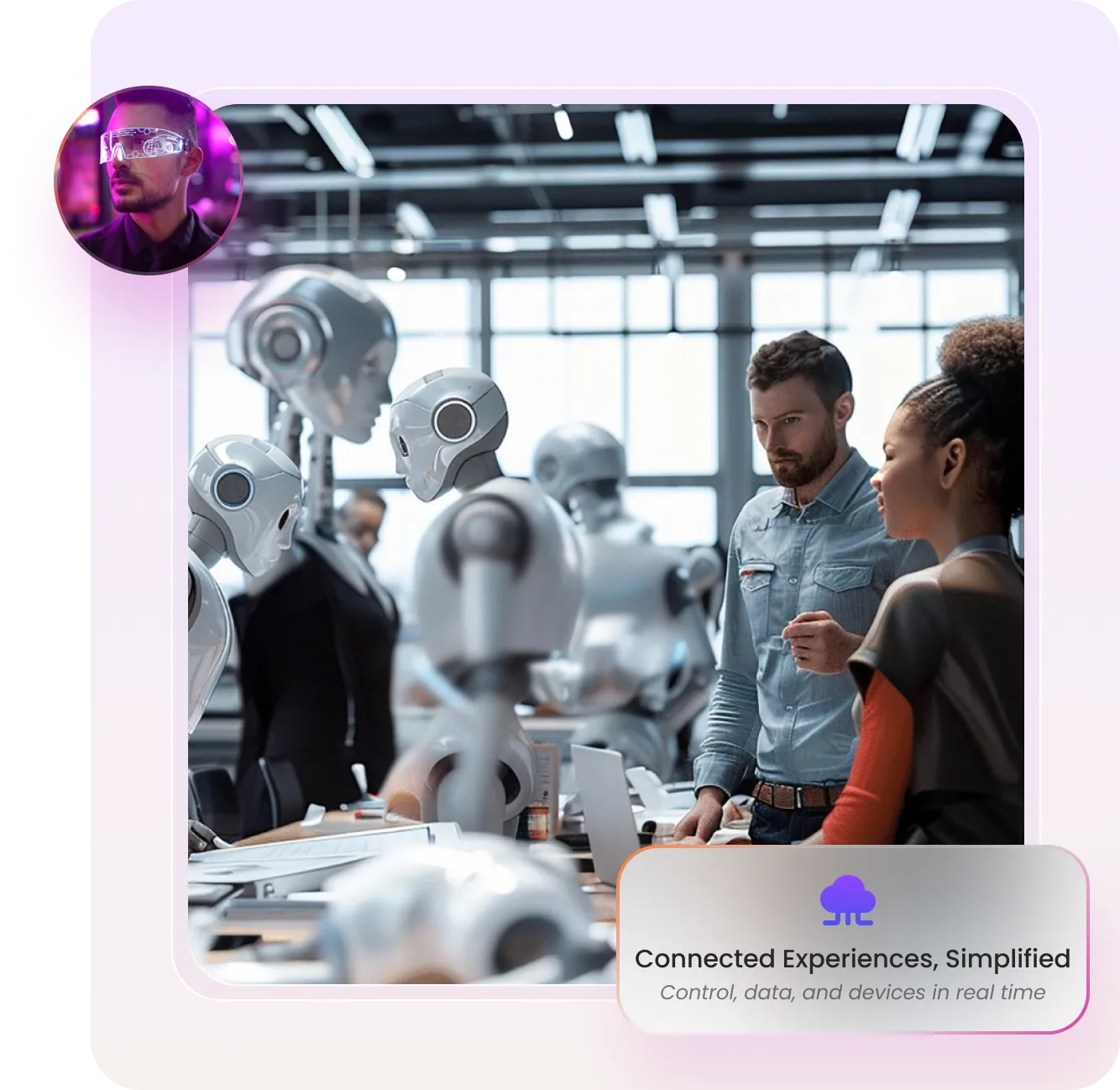
We design and engineer intelligent edge software systems that integrate IoT devices, sensors, and cloud infrastructure into cohesive, AI-enabled environments. From real-time data processing at the edge to centralized orchestration and analytics, we enable connected systems to operate with intelligence, reliability, and scale.
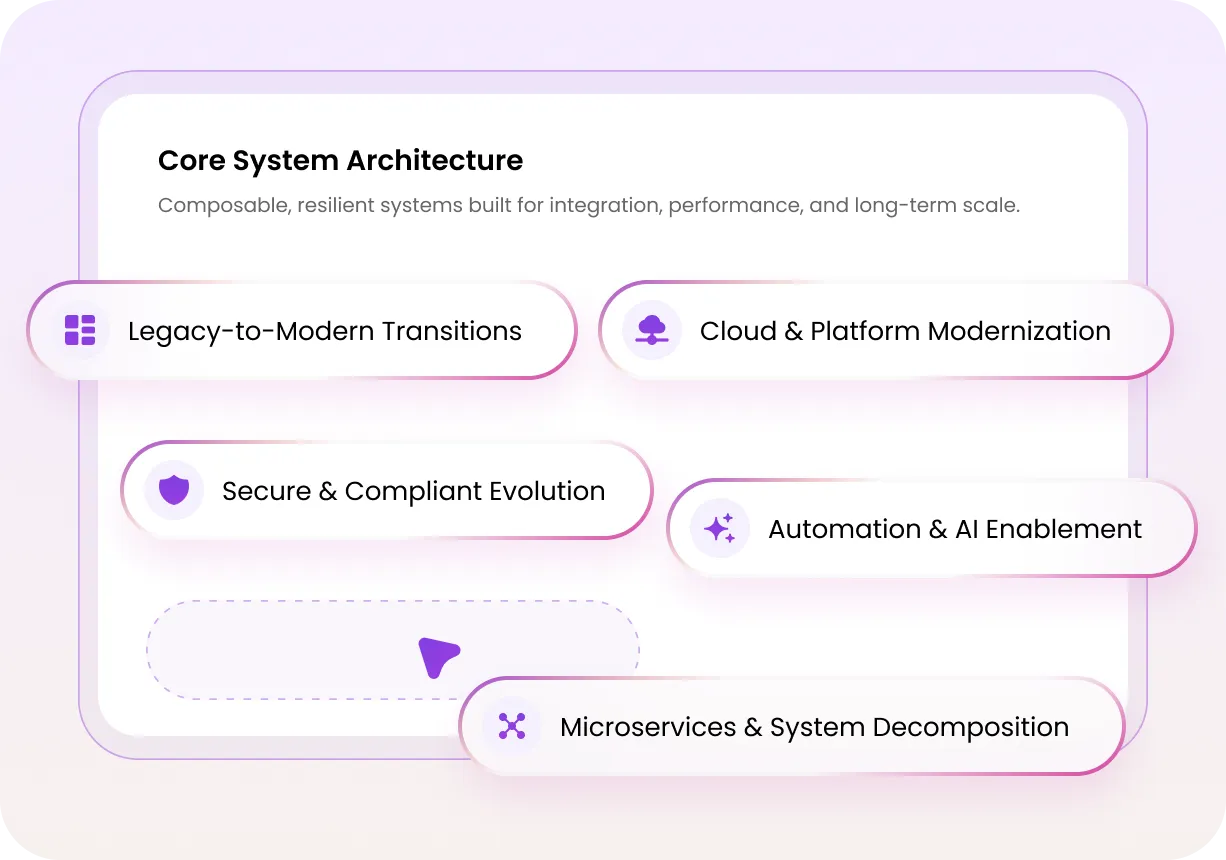
We architect and modernize cloud-native platforms with automation-first infrastructure, continuous delivery architecture, and embedded quality controls. Combined with security-driven design, observability, and governance guardrails, we enable resilient, compliant, and economically optimized deployments at scale.
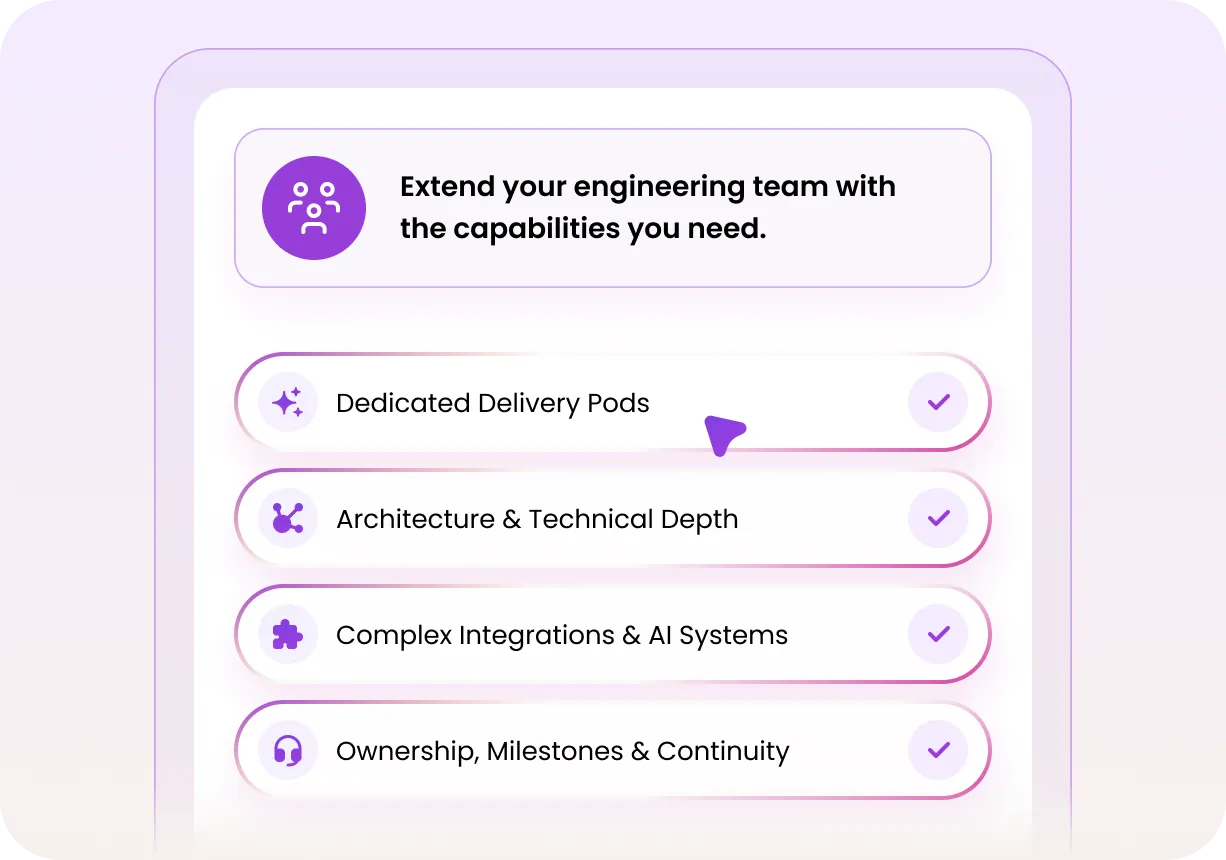
We deploy cross-functional engineering pods that integrate seamlessly into your organization. Each pod operates with defined ownership, roadmap alignment, and architectural accountability, enabling accelerated execution without sacrificing system integrity. Our flexible engagement models support rapid scale-up, sustained delivery, and long-term platform continuity.
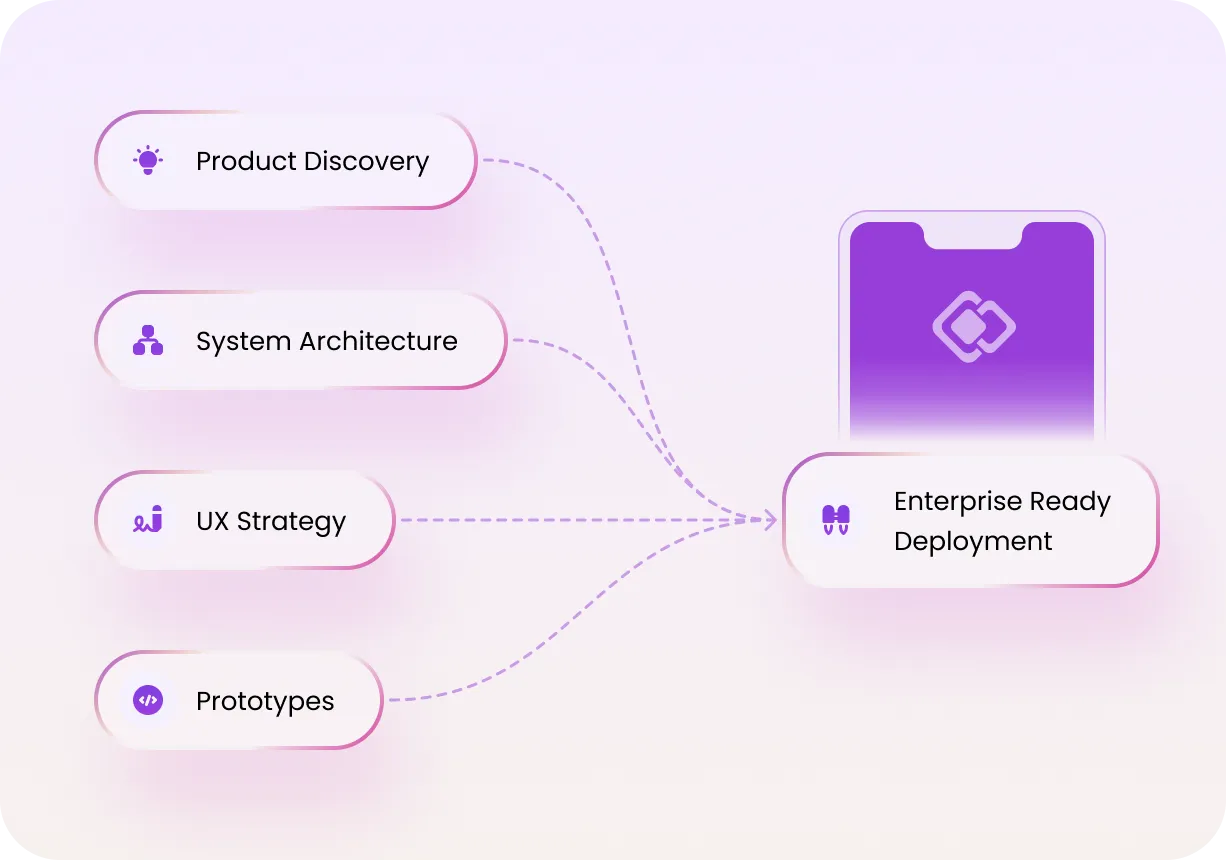
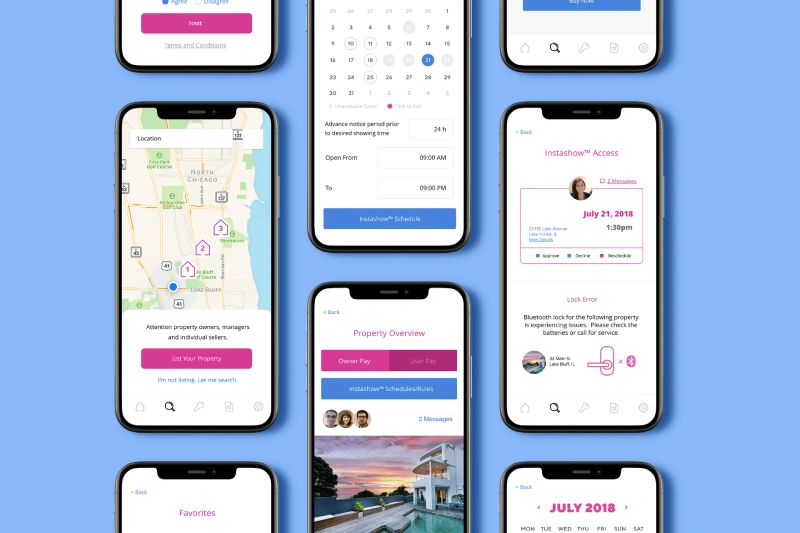
We lead product discovery and design human-centered UX/UI systems that set your platform apart. Through research, competitive analysis, and interactive prototyping, we create intuitive and contextual experiences that support both user engagement and scalable engineering.
We Don’t Chase Awards, We Earn Trust
Every recognition motivates us to raise the bar and deliver even greater impact for our clients.
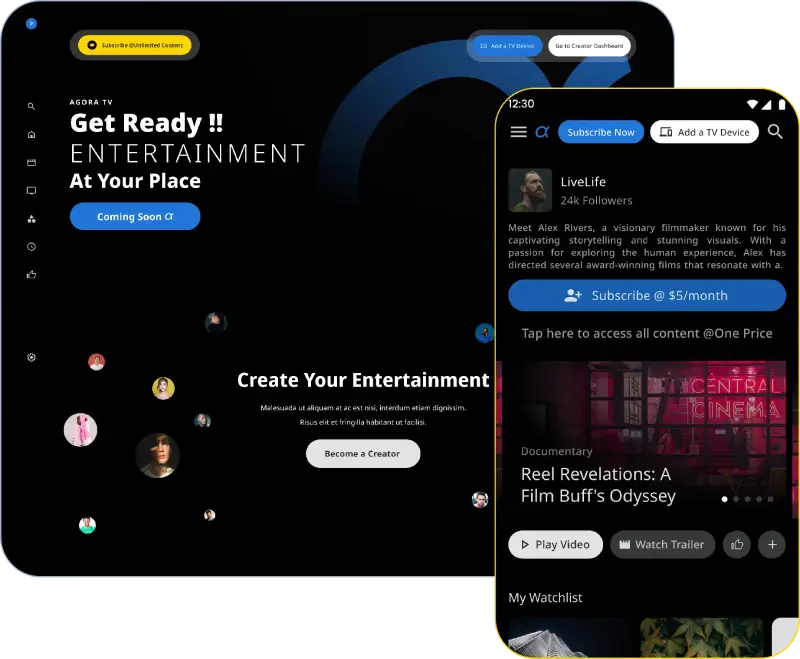
High-performance platforms for real-time data, live content, and global audiences‑built to scale without compromise.
Explore Our Full Range of Capabilities
As requirements change or expand, engagement often extends into complementary technology capabilities. Our work reflects this by supporting multiple initiatives across several technology areas‑helping organizations modernize, scale, and accelerate delivery with confidence.
Explore our original research, field-tested guides, frameworks, and lessons from building enterprise AI, custom platforms, and production systems at scale.
What types of agentic AI solutions can be embedded into enterprise
platforms?
We embed agentic AI solutions such as workflow automation agents,
decision‑support copilots, RAG‑based assistants, and customer‑facing AI features. These include AI agents for mission‑critical workflows, AI copilots integrated with existing systems, and LLM systems taken
from pilot to production.
How do you approach custom enterprise development?
Our approach to custom enterprise development starts with discovery
and architecture alignment, followed by scalable engineering and AI
integration. We design platforms that support end‑to‑end product and
platform delivery to evolve from MVPs to full‑scale systems without
rework.
What is the timeline for custom enterprise platforms with AI
agents?
Timelines depend on complexity and scale. An MVP may be delivered
quickly, while full platforms align with timelines and costs for
AI agent implementation and an
LLM‑based assistant, often delivered in phased enterprise
rollouts.
How do AI agents integrate with existing enterprise systems and data
sources?
AI agents integrate through APIs, event pipelines, and secure data
layers, enabling AI copilots integrated with existing systems while
preserving governance. This allows enterprises to deploy agentic AI
without disrupting core systems.
Can you modernize legacy platforms through custom enterprise
software development?
How do you ensure security and compliance in enterprise AI‑powered
software?
Security is embedded at every layer, including data isolation,
access controls, and auditability. Our experience includes AI
consulting firms with compliance and security expertise and
delivery of AI agents in regulated industries.
What industries benefit most from agentic AI‑driven enterprise
platforms?
Industries with complex operations such as healthcare, fintech,
logistics, and enterprise SaaS benefit most. These environments
require secure enterprise AI assistants, AI deployments at scale,
and repeat enterprise AI implementations.
How do you design LLM‑powered copilots for internal enterprise
operations?
We design copilots around real workflows, combining domain context
with retrieval pipelines. This includes the cost to build an
LLM‑powered copilot with a consulting firm, RAG systems for internal
operations, and copilots optimized for adoption by large internal
teams.
What is your process for building scalable, cloud‑native custom
enterprise platforms?
Our process includes architecture design, cloud modernization, AI
integration, and continuous optimization. We deliver scalable
cloud‑native enterprise applications supported by strong MLOps and
monitoring capabilities for long‑term reliability.
Can AI agents automate enterprise workflows?
Yes. AI agents can automate approvals, data analysis, customer
support, and operational decisioning. These systems are built as
production AI agents capable of handling enterprise workflows.
How do you deploy and manage enterprise AI agents in production
environments?
We deploy AI agents with monitoring, retraining pipelines, and
governance. This aligns with AI agencies with long‑term production
support experience and vendors that have maintained AI systems
post‑launch.
What engagement models do you offer for enterprise platforms and AI
development?
We offer flexible models including managed delivery, staff augmentation, and hybrid teams. This supports enterprises
evaluating outsource AI development vs build in‑house, or seeking
AI consulting firms offering flexible engagement models.
How do you scale agentic AI systems across large enterprise teams?
Scaling involves multi‑tenant architectures, governance, and
adoption strategy. We have experience with firms scaling AI
systems across enterprises and AI assistants used by large
internal teams.
Why should enterprises choose a partner for custom enterprise
development?
Enterprises choose a partner for custom enterprise development to
reduce delivery risk, accelerate time‑to‑market, ensure
scalability, security, and gain specialized expertise without
expanding internal engineering teams.
How does TechAhead ensure the ethical and responsible use of AI?
At TechAhead, ethical AI is built into every stage of development.
We rigorously test models for bias, ensure transparency in how
AI‑driven decisions are made, and uphold strict data security and
privacy standards. Before deployment, each AI model is evaluated
across real‑world scenarios to identify and mitigate unfair or
unintended outcomes. We prioritize explainable AI, giving
enterprises visibility into why decisions are made‑never relying
on black‑box systems that compromise trust or accountability.
What services does TechAhead offer?
TechAhead offers agentic AI solutions that automate complex
workflows, cloud migration services to modernize your
infrastructure, and custom enterprise platform development
precisely tailored to your specific business requirements and
scale.
How TechAhead Technologies assist with software integration and data
migration?
We handle software integration by connecting new AI systems with
your existing ERP, CRM, and legacy platforms, while managing
secure data migration that preserves integrity and minimizes
downtime during transitions.
Capabilities
What services does TechAhead offer?
TechAhead specializes in comprehensive digital solutions including
mobile app development, web design, cloud services, AI technology,
and IoT solutions. Our expertise is tailored to meet the evolving
needs of our clients across various sectors.
What makes TechAhead different from other digital solution
providers?
TechAhead stands out due to our deep commitment to understanding
client needs, our partnerships with industry‑leading brands, and our
results‑driven approach that emphasizes measurable outcomes.
Additionally, our recognition as a Great Place to Work certified
organization highlights our dedication to maintaining a motivated
and highly skilled team.
Can TechAhead handle large-scale projects?
Absolutely. Our team of over 240 experienced consultants is
well‑equipped to manage large‑scale projects, delivering robust and
scalable solutions. We have a proven track record of handling
extensive and complex projects for high‑profile clients.
What advanced technologies does TechAhead integrate into their
solutions?
TechAhead leverages cutting‑edge technologies including artificial
intelligence, machine learning, and the Internet of Things (IoT) to
enhance and innovate the solutions we deliver, ensuring our clients
stay ahead in their respective industries.
How does TechAhead ensure the scalability of its solutions?
Our solutions are designed with scalability in mind, using best
practices and modern architectures that accommodate growth and
changes in user demand. We help our clients prepare for future
expansion, ensuring their digital infrastructure can grow with their
business.
What are the benefits of working with an AWS Advanced Tier Partner
like TechAhead?
As AWS Advanced Tier Partners, we offer certified expertise,
priority support, cost optimization strategies, and proven
experience with enterprise‑grade deployments.
Can TechAhead integrate my app with wearables or IoT devices?
Yes, we develop connected ecosystems that integrate apps with
wearables and IoT devices, enabling real‑time data collection and
personalized experiences.
Privacy and Security
Is TechAhead ISO 27001 certified?
Yes, TechAhead prioritizes security and confidentiality in all our
projects, and we are proud to be an ISO 27001 Certified
organization, ensuring the highest standards of data security and
management.
Does TechAhead sign Non‑Disclosure Agreements (NDAs) with
clients?
Yes, we routinely sign NDAs to ensure that all client information
remains confidential and secure throughout the duration of our
partnership.
How does TechAhead handle intellectual property rights?
At TechAhead, we ensure that intellectual property rights are
clearly defined and secured in our client contracts. Clients retain
full ownership of all IP related to their projects, including
design, source code, and any generated content.
What is TechAhead's approach to source code ownership?
TechAhead guarantees that clients have complete ownership of the
source code upon project completion. We provide full access to all
documentation and code, ensuring clients have the autonomy to manage
their software post‑delivery.
4.9106
Trusted by 1,200+ global brands and Fortune 500 leaders. Your vision, our expertise.
We use cookies to enhance your experience, analyze site usage, and support our marketing efforts. You can accept all cookies or manage your preferences.
Manage Your Cookie Preferences
We use cookies to ensure our website functions properly, improve performance, and provide a personalized experience. You can choose which types of cookies to allow below.
Always Active
Required for core functionality such as security, network management, and accessibility. These cannot be disabled.
Help us understand site traffic and user interactions so we can improve performance and usability.
Enable enhanced functionality and personalization such as language or region preferences.
Used to deliver relevant ads, track campaign performance, and measure advertising effectiveness.





 ENTERPRISE AI & PRODUCT ENGINEERING PARTNER